Table of Contents
As I explore the world of home entertainment, a common question I encounter is whether smart TVs come equipped with Bluetooth. The answer is a resounding yes for many modern models. Bluetooth technology in smart TVs allows for a wireless connection to a plethora of devices, such as soundbars, headphones, and even game controllers, enhancing the user experience with cable-free simplicity. Particularly, QLED 4K TVs often boast this feature, providing stunning visuals and convenient connectivity.
When considering smart TVs with Bluetooth, it’s important to note that not all TVs are created equal. While many newer models include this feature, some may not, and it’s essential to verify the specs before making a purchase. The integration of Bluetooth in a 4K TV adds to the appeal, enabling a seamless connection to high-quality audio devices that match the high-definition visual experience.
Understanding Bluetooth in Smart TVs
Bluetooth technology has become a staple in smart TVs, allowing for wireless connections that can transform how we interact with our favorite shows. It’s a feature that eliminates the clutter of cables, granting the freedom to place speakers, headphones, and other peripherals where they best fit in a room. With the advent of QLED 4K TVs, Bluetooth connectivity ensures that the audio experience is as immersive as the visual one.
The functionality of a TV’s Bluetooth can vary depending on the brand and model. Some smart TVs with Bluetooth offer advanced features like multi-device connection, while others may have a more basic setup. To fully enjoy the 4K resolution and capabilities, it’s ideal to pair your TV with Bluetooth devices that can deliver audio quality that complements the TV’s high performance.
For those who love to dive into their favorite shows without disturbing others, utilizing the TV’s Bluetooth to connect headphones can be a game-changer. This wireless convenience enhances the viewing experience, allowing personal immersion into the crisp world of 4K content.
What is Bluetooth Technology?
Bluetooth technology is like an invisible cord that connects gadgets without the tangle. It’s a wireless communication standard that lets devices talk to each other over short distances. Think of it as a bluetooth transmitter inside your device that sends signals. Low-latency Bluetooth, a newer version, is super quick, ensuring the audio from your TV doesn’t lag behind the picture.
The Evolution of Bluetooth in Smart TVs
Over time, Bluetooth has grown up alongside smart TVs. The earliest Bluetooth versions were like young saplings, a bit slow and not as strong. But now, just like a sturdy oak, Bluetooth in QLED 4K TVs stands tall. It’s fast, reliable, and makes connecting to other devices a breeze. The marriage of Bluetooth with the stunning visuals of a 4K TV has transformed our living rooms into high-tech theaters.
Identifying Bluetooth-Enabled Smart TVs
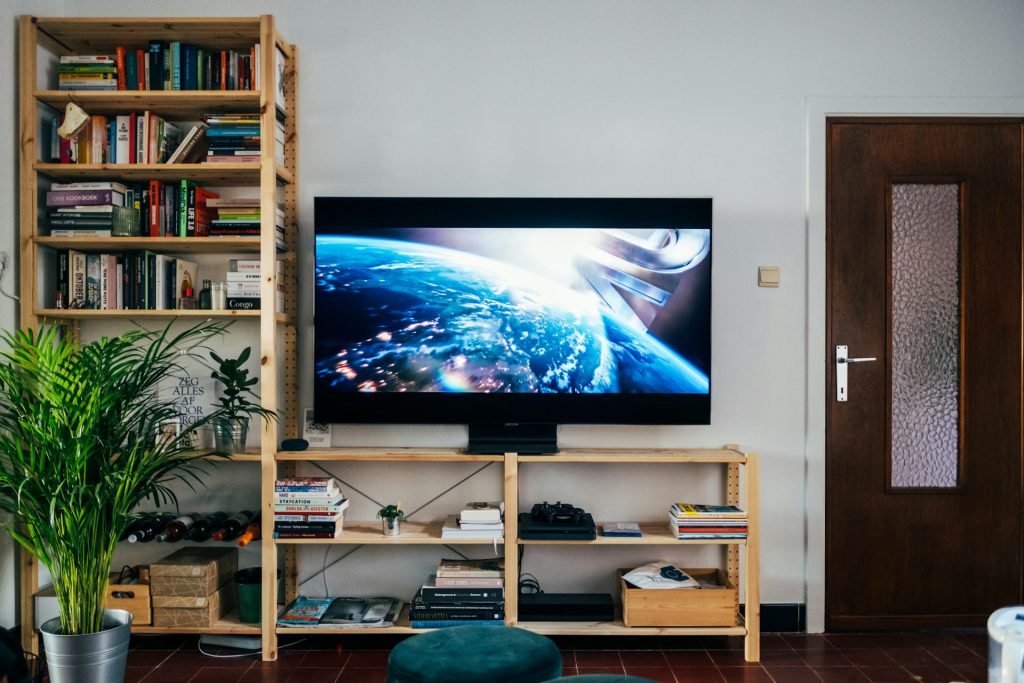
Spotting a smart TV with Bluetooth isn’t as tricky as it might seem. Look out for the QLED 4K label, as these TVs often Bluetooth built-in. This feature not only adds to the sleekness of the design by reducing wire clutter but also upgrades the ease of connecting to external devices. It’s a smart move for a smart TV, offering both top-notch visuals and wireless convenience.
How to Check if Your Smart TV Has Bluetooth
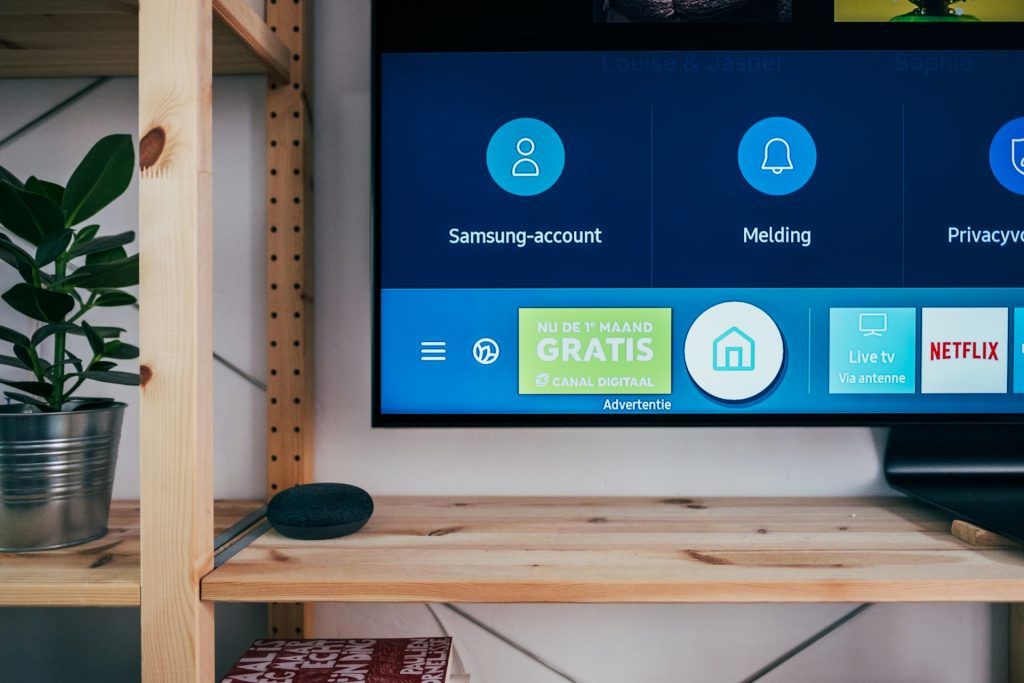
Wondering if smart TVs have built-in Bluetooth? Here’s a quick way to check: dive into your TV’s settings menu and look for the Bluetooth options. If you find it, you’re in luck! You can put your headphones into pairing mode and connect them to your TV for a private listening experience without pesky wires.
Popular Smart TV Models With Integrated Bluetooth Functionality
Among smart TV models, Samsung QLED stands out with its integrated Bluetooth functionality. These QLED TVs are not just about vibrant colors and deep contrasts; they also sync effortlessly with devices like your iPhone 15. This makes sharing content and enjoying immersive audiovisual experiences a simple, seamless process.
Maximizing Your Smart TV’s Bluetooth Capabilities
Having a smart TV with built-in Bluetooth opens up a world of wireless possibilities. Imagine watching a movie with crystal-clear sound through your favorite Bluetooth device, without disturbing anyone else. To tap into this feature, just put your headphones into pairing mode and follow your TV’s setup process to connect.
Once you’re connected, you can roam freely in your space, untethered and fully engaged with your show. It’s one of those small luxuries that make a big difference in how we enjoy our home entertainment systems. So, grab your remote and step into the future of TV watching, where cords are a thing of the past.
Pairing Devices With Your Smart TV
Pairing devices with your smart TV is a snap. With Bluetooth connection, you can easily connect Bluetooth devices, like your phone or tablet, and stream music or videos directly to your TV. It’s all about making your life simpler and your entertainment better.
Step-By-Step Guide to Connecting Bluetooth Headphones
First, make sure your Bluetooth headphones are in pairing mode. Then, dive into your smart TV’s settings and select ‘Bluetooth’. Your TV will search for devices. Once it finds your headphones, select them to connect. Now sit back and enjoy the show with your personal sound system!
Syncing a Bluetooth Speaker for Enhanced Audio
To connect a Bluetooth speaker, it’s pretty much the same deal as headphones. Turn the speaker on and set it to pairing mode. Go to your TV’s Bluetooth settings, locate your speaker in the list of available devices, and connect. Just like that, you’ve got bigger, bolder sound for your 4K adventures.
Tips for Troubleshooting Common Bluetooth Connection Issues
Even with the best tech, sometimes things go wonky. If you’re having trouble with Bluetooth on your smart TV, don’t worry. Start by checking if your devices are compatible and within range. Then, make sure they’re both charged up and ready to go. A quick reset of the Bluetooth connection can often kick things back into gear.
If you’re still stuck, take a peek at the manufacturer’s website. They usually have helpful guides and FAQs that can get you back on track. Remember, a little bit of troubleshooting can go a long way in keeping your wireless world running smoothly.
Addressing Delayed Audio and Video Sync Problems
Audio delay can be super annoying when you’re trying to get into your favorite movie or show. If the sound from your Bluetooth device isn’t syncing up with the picture, start by checking your TV’s audio settings. Sometimes there’s an option to adjust the timing and get things lined up just right.
The Importance of Low Latency for Optimal Performance
When it comes to Bluetooth wireless, low latency is key for keeping audio in sync with video. It means there’s hardly any delay between what you see and what you hear. This is super important for making sure your movie nights or gaming sessions are top-notch, with no weird lag to pull you out of the action.
Alternatives to Built-in Bluetooth in Smart TVs
Even if your smart TV doesn’t have Bluetooth, you’re not out of options. There are smart TVs with Bluetooth adapters you can plug in to add the feature. It’s a simple workaround that lets you connect wireless headphones, speakers, and other gadgets, so you can still cut the cord and enjoy a clutter-free setup.
Utilizing Bluetooth Adapters for Non-Bluetooth TVs
Even if your TV didn’t come with Bluetooth capabilities, that doesn’t mean you’re out of luck. You can use Bluetooth adapters to bridge the gap. These handy devices plug into the audio port on your TV and transmit the sound wirelessly to your Bluetooth headphones or speaker. It’s a simple upgrade that can make all the difference in your viewing experience, giving you that wireless freedom without needing to invest in a new TV.
Other Wireless Audio Solutions for Your Viewing Experience
When Bluetooth isn’t an option, other wireless audio solutions can enhance your viewing experience. Technologies like RF (Radio Frequency) headphones can help avoid the dreaded audio delay that can occur with Bluetooth devices. They ensure that the sound from your favorite TV shows is perfectly synchronized with the on-screen action, all while maintaining a resolution of full HD. These solutions can be a great alternative to Bluetooth, especially for serious watchers who value lip-sync accuracy.
Smart TV Bluetooth Integration: Pros and Cons
The addition of Bluetooth to smart TVs has been a game-changer for many. It lets you declutter your space by eliminating wires and gives you the flexibility to place your audio devices anywhere in the room. Whether it’s connecting your gaming consoles without a tangle of cables or streaming audio from your laptop, Bluetooth enriches the functionality of your TV.
However, integrating Bluetooth into your smart TV setup isn’t without its hiccups. Sometimes, getting your devices to communicate with each other can be a hassle. You might run into issues trying to put your headphones into pairing mode, or the connection might drop unexpectedly. But these are generally small hurdles in the grand scheme of things.
On the other hand, the benefits of seamless connectivity often outweigh the drawbacks. Imagine being able to connect various compatible devices to your smart TV, all without moving from your couch. The convenience of Bluetooth can transform your entertainment system into a more user-friendly and modern setup.
The Convenience of Wireless Connectivity
The convenience of wireless connectivity options cannot be overstated. It’s freeing to move around without being tethered to a device. For instance, gaming consoles can be connected via Bluetooth, eliminating the need for long HDMI cables that can clutter your space and restrict console placement. This wireless freedom allows for a cleaner entertainment setup and a more immersive gaming experience.
Potential Drawbacks and Limitations
While the convenience of Bluetooth technology is undeniable, there are potential drawbacks and limitations to consider. One such limitation is the range of the Bluetooth signal, which can sometimes lead to a loss of connection if you’re too far from the TV. Additionally, the number of devices that can be connected simultaneously is often limited, which can be a hindrance in a multi-user household. It’s essential to weigh these factors against the benefits when setting up your system.
Enhancing Your Home Entertainment System With Bluetooth
Bluetooth technology has revolutionized home entertainment systems. It’s not just about connecting a Bluetooth speaker for better sound. You can also synchronize your smart TV with devices like smartphones and tablets for a unified multi-device ecosystem. This level of integration makes it easier than ever to share content, control playback, and create an entertainment experience that is both powerful and personalized.
The key to maximizing these benefits is ensuring that your devices are compatible with Bluetooth. This compatibility allows for a streamlined connection process and often provides a more stable link for audio and video signals. As a result, you can enjoy high-quality streaming without the fear of interruptions or connectivity issues.
But remember, to truly enhance your home entertainment system, the Bluetooth capabilities of your smart TV need to be reliable and user-friendly. This means that connecting Bluetooth devices should be a simple and intuitive process that doesn’t require constant troubleshooting or technical expertise.
The Role of Bluetooth in Home Theater Setups
Bluetooth has an important role in modern home theater setups. It’s not just about the convenience of wirelessly connecting your soundbar. Bluetooth also allows for easy integration of various devices, creating a cohesive and user-friendly system. With Bluetooth, your living room can transform into a cinema-like space where audio and video are seamlessly synced, providing an immersive entertainment experience.
Future Trends in Smart TV Bluetooth Technology
Looking ahead, we can expect smart TV Bluetooth technology to continue evolving, with a focus on enhancing user experience. One of the areas ripe for improvement is color accuracy. As Bluetooth bandwidth improves, we might soon see wireless transmission of high-fidelity video, which could open up new possibilities for wireless gaming and viewing experiences with no compromise on visual quality.
Bluetooth and Smart TVs: A Match Made in Tech Heaven
However technical knowledge you may possess, something everyone agrees on is that Bluetooth and smart TVs are indeed a match made in tech heaven. The integration of Bluetooth technology has made a smart television with Bluetooth more versatile than ever, allowing for easy streaming of audio to various devices and offering a clutter-free viewing environment. This wireless connectivity has also paved the way for greater flexibility in how and where you can enjoy your content, whether using your earphones by the pool or with a speaker in the bedroom.
Streaming audio from your smart TV to devices like soundbars and headphones has become a staple in modern homes. It simplifies the user experience, providing a convenient way to enjoy content without the need for additional wires. And when you pair your smart TV with a laptop, the possibilities for entertainment and productivity expand even further.
Overall, the synergy between smart functionality and wireless freedom has significantly impacted the user experience. It’s transformed the way we interact with our TVs and has made them central to our connected homes.
The Synergy Between Smart Functionality and Wireless Freedom
The synergy between smart functionality and wireless freedom is at the heart of today’s home entertainment. With Bluetooth, smart TVs become more than just screens; they serve as the hub of your digital life. Whether you’re streaming audio from a laptop or controlling your TV with a smartphone, Bluetooth connectivity enhances the way you interact with technology, making it more intuitive and enjoyable.
The Impact of Bluetooth on the Smart TV User Experience
Bluetooth technology has significantly enhanced the smart TV user experience. It allows for a cleaner setup and provides the convenience of connecting multiple devices wirelessly. This level of connectivity has transformed the traditional TV into a smart hub, capable of delivering a wide range of audiovisual experiences, from watching movies to playing immersive video games.
Making the Right Choice: A Bluetooth-Enabled TV for Your Home
When you’re in the market for a new TV, considering one that supports Bluetooth is a wise choice. A Bluetooth-enabled TV allows you to connect a Bluetooth speaker or headphones directly to the TV without additional equipment. This can be particularly handy for late-night watching or when you want to ensure your viewing doesn’t disturb others.
Moreover, a TV with Bluetooth opens up a world of possibilities for connecting Bluetooth devices. You can easily pair your smartphone or tablet to stream content or use it as a remote control. The Bluetooth capabilities also allow for a tidy entertainment space, free from the clutter of cables.
Always check that the TV you’re interested in has the Bluetooth capabilities you need. Some TVs may offer basic Bluetooth functionality, while others may provide more advanced features like connecting multiple devices at once. So, make sure the TV’s Bluetooth matches your needs and expectations to enjoy a seamless viewing experience.
The Best Smart TVs With Bluetooth on the Market Today
Today’s market offers a plethora of smart TVs with Bluetooth, each designed to suit different preferences and needs. Whether you’re into streaming movies, gaming, or just enjoying your favorite content, there’s a TV with Bluetooth out there for you. These TVs not only offer Bluetooth connectivity but also come with a range of smart features that enhance your viewing experience, making them a top choice for a modern, connected home.

Beyond the Basics: Delving Deeper Into Bluetooth Smart TVs
Smart TVs with Bluetooth open up a world of possibilities beyond just watching TV. Imagine streaming high-definition content from your favorite platforms without the clutter of cables. Bluetooth functionality in TVs with built-in capabilities allows for a cleaner setup and a more immersive viewing experience. With 4K resolution becoming the norm, the visual feast on the screen is matched by the convenience of wirelessly connecting Bluetooth headphones or speakers to play audio that’s as sharp as the image quality. The audio output is crucial, and Bluetooth ensures that the sound is just as impressive as the visuals. Moreover, the ability to pair your TV with various devices enriches the user experience.
Concluding Thoughts
Whether you want to connect Bluetooth headphones for a private listening session or sync a soundbar equipped with Dolby Atmos for an enveloping audio experience, the options are extensive. Some smart TVs even come with a magic remote that lets you streamline control over your devices, enhancing the way you stream your favorite shows and listen to audio from other devices. And for those who love to multitask, the option to switch between wired or Bluetooth headphones means no interruption to your entertainment, whether you’re deeply engrossed in a movie or casually catching up on the news.

I’m Steve, an engineer dedicated to advancing smart home technologies. Through Eco Smart Spaces, I share insights and expertise on implementing smart solutions that streamline living spaces. Join me in embracing a future where homes work smarter for you.